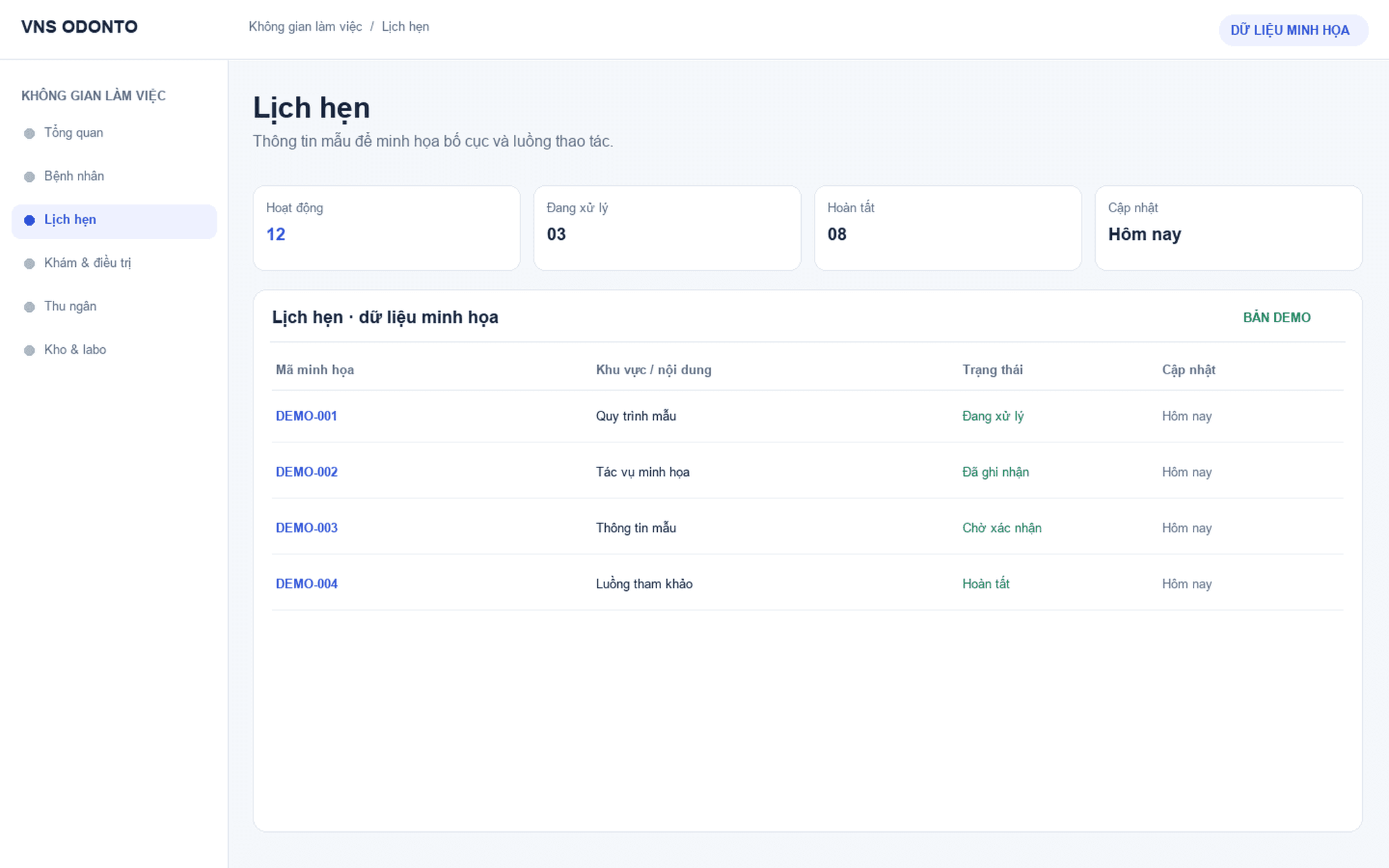
Product area
Appointments & chair scheduling
Review appointments by date, chair and status. Check scheduling conflicts before saving changes.
- Daily chair schedule
- Appointment status tracking
- Conflict checks
Review the current scope of each product area. Availability and limits depend on the subscription plan and clinic configuration.
Review appointments by date, chair and status. Check scheduling conflicts before saving changes.
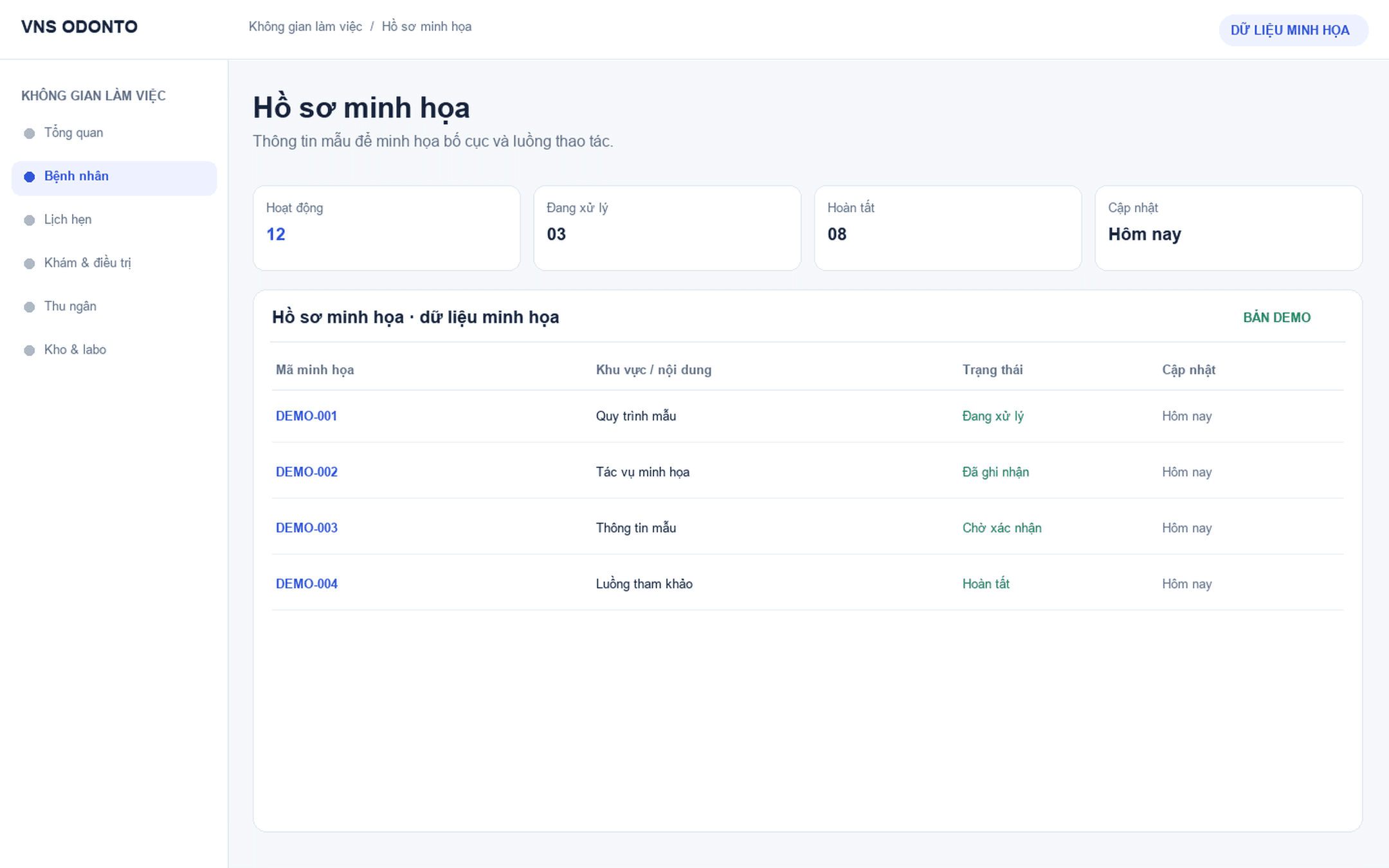
Find recorded patient information, visit history and treatment details in one place.
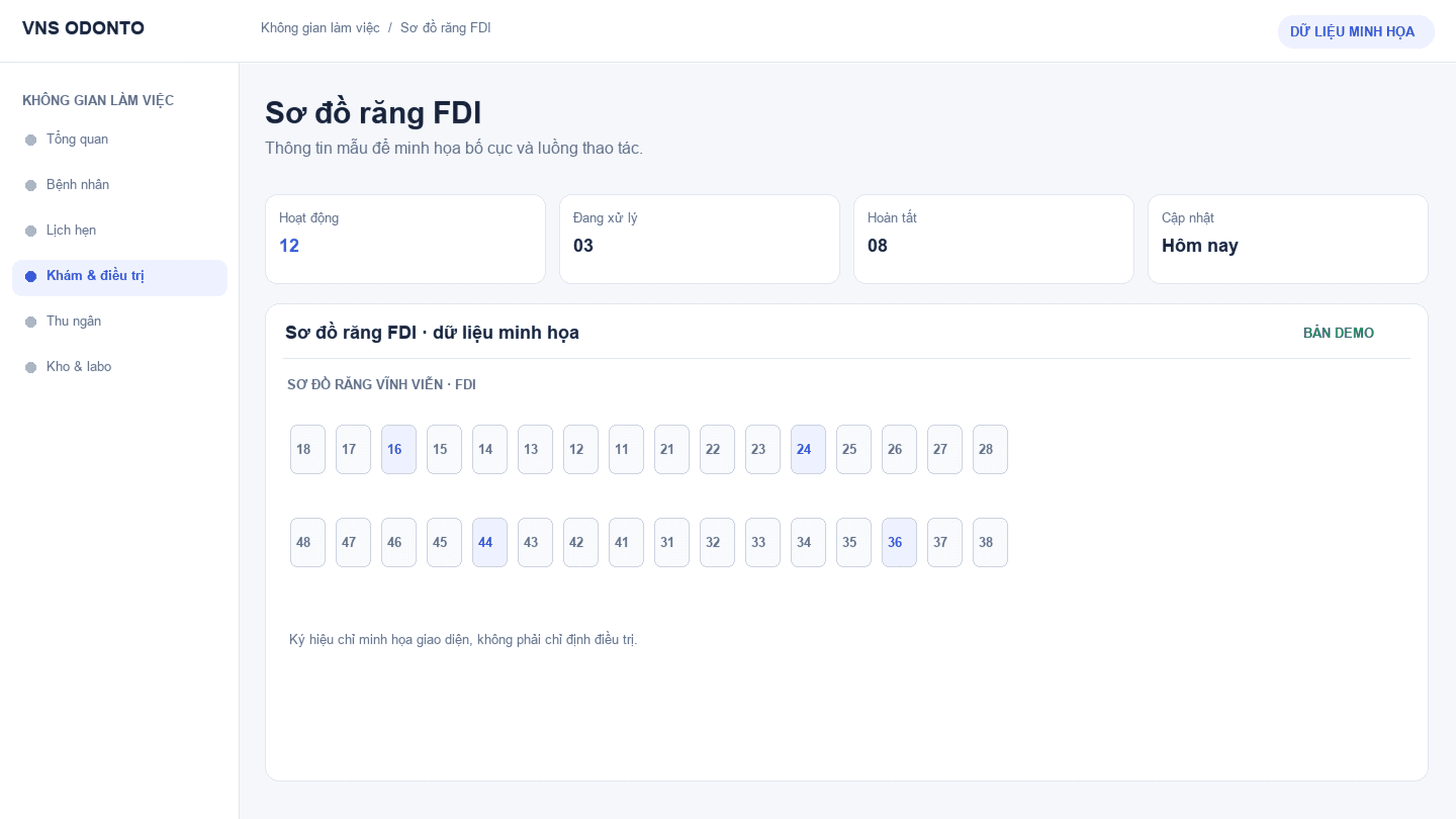
Record tooth and tooth-surface findings on an FDI chart for the clinician to review and confirm.
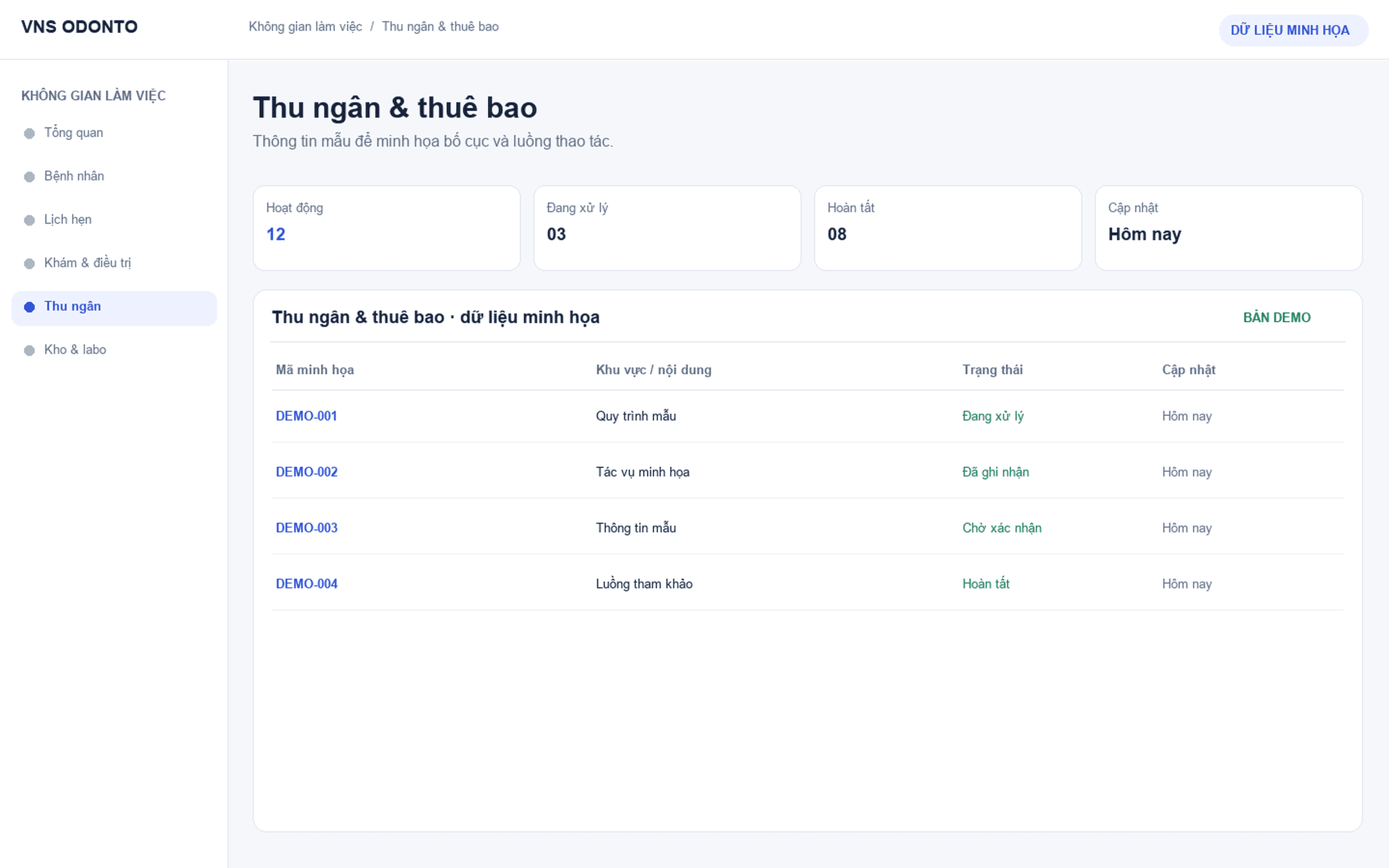
Track recorded charges, payments and outstanding balances linked to treatment records.
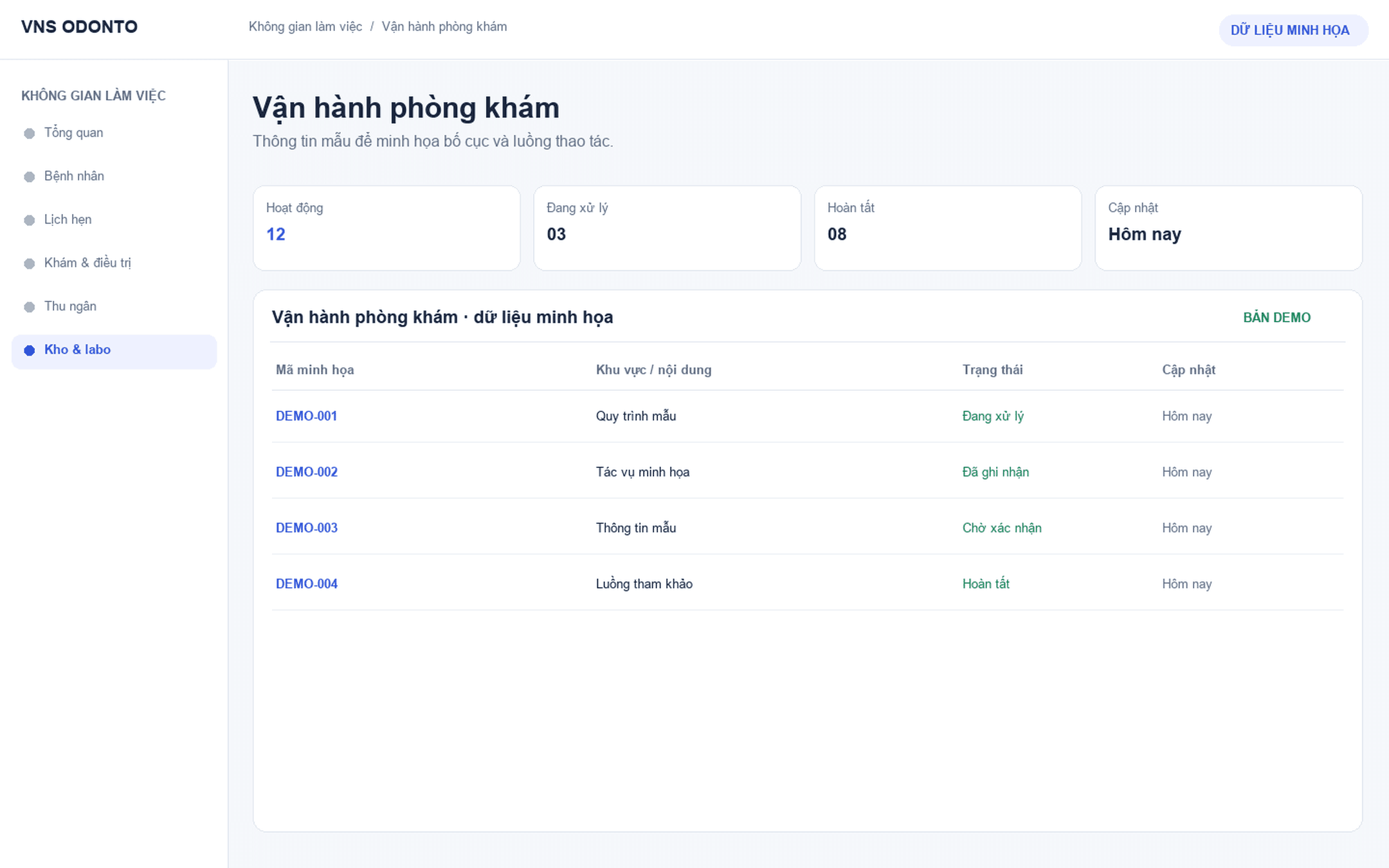
Review stock movements, supply quantities and laboratory work orders across clinic workflows.
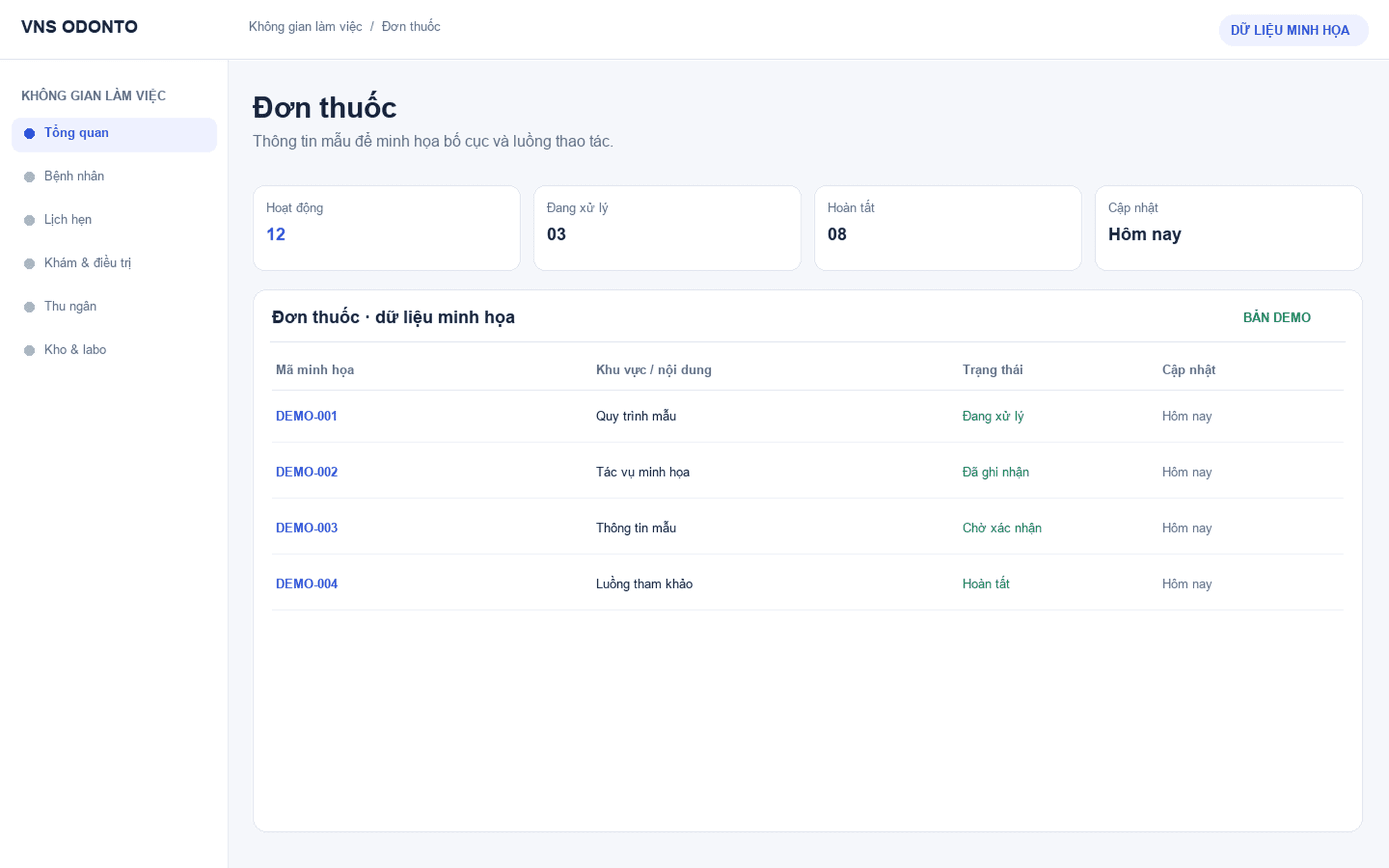
Prepare and print prescription details entered and confirmed by the prescribing clinician.